Language: Česky Deutsch English Español Français Polski Slovenčina Українська

EosMsg Decoder

Note: This application works only with Canon mirrorless cameras.

This is a beta version and results may not be completely accurate.

How to Use EosMsg Decoder

  1. Download and run the EosMsg application on your computer
  2. Connect your Canon mirrorless camera to your computer via USB
  3. Launch the EosMsg application
  4. In the EosMsg application, click on the "Connect camera (Canon)" button in the bottom left corner
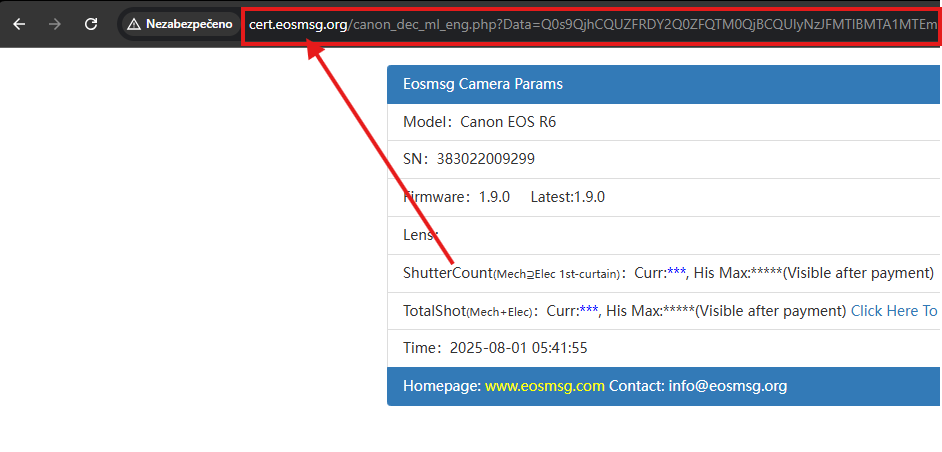
  5. When EosMsg opens a window in your browser, copy the complete URL from the address bar
  6. Paste the copied URL into the text field below
  7. Click the "Process" button to decode your camera information

Copy the entire URL from the browser address bar (Ctrl+C)

Paste the copied URL into the text field below (Ctrl+V)

Download EosMsg Application